


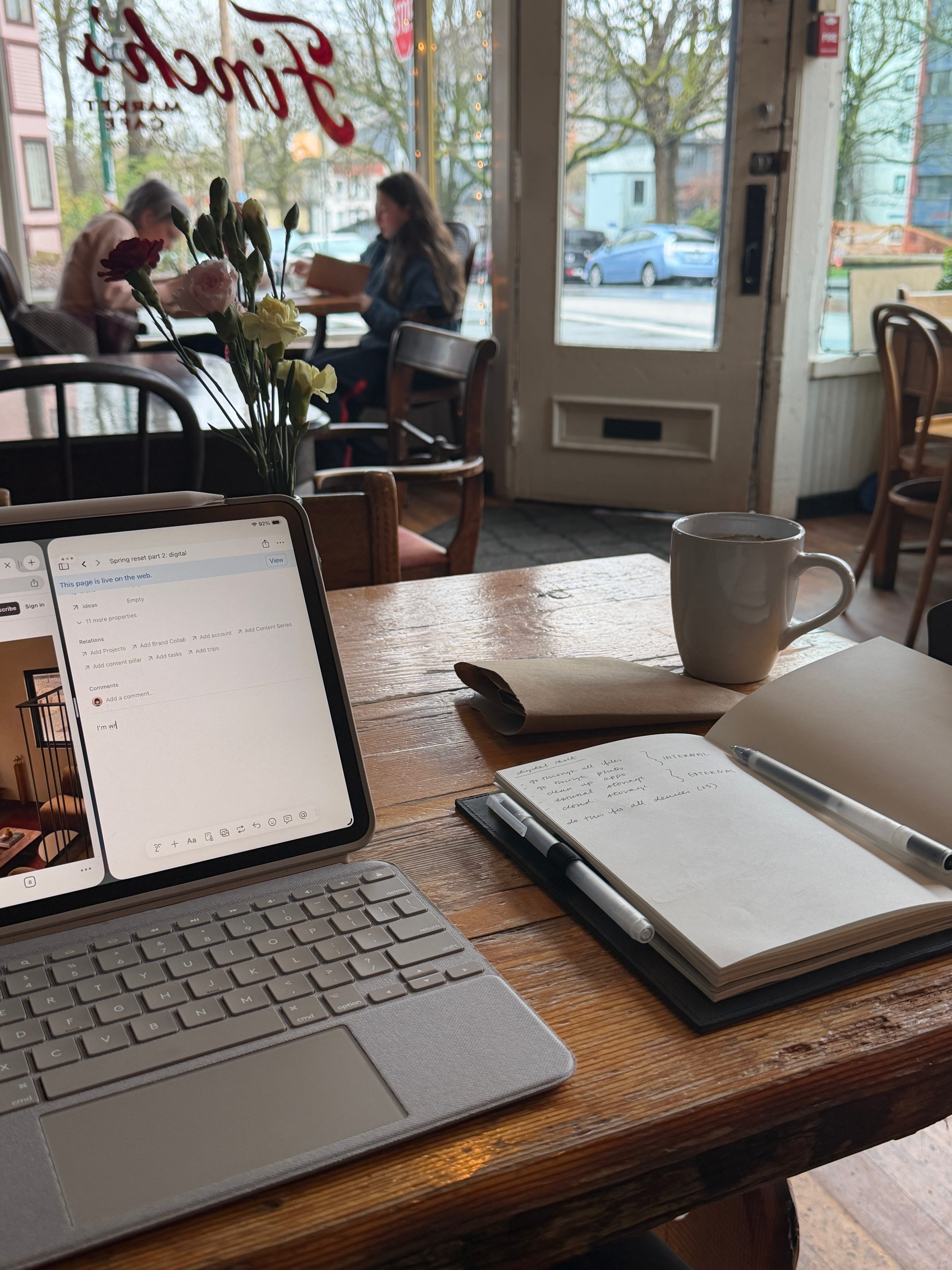
I can feel my eyes glazing over ever so slightly as I watch the rain hit the already wet sidewalk to the beat of MGMT. Every time the door opens, an icy breeze creeps in, reminding everyone that it’s not quite spring. Thankfully, the inside of Finch’s café feels like a warm haven from the soggy weather. I’m all cozied up in a wool peacoat (yes, I’m still wearing it indoors), I’ve eaten my favorite sandwich (pepper salami from said café), and feeling more ready than ever to tackle my digital reset.
The next chapter to our spring reset series is coming a month later, partially because I’ve been mentally avoiding having to do this tedious portion, but truthfully also because I went traveling spontaneously in March and forgot all about it.
Now that I’m settled in my home city again, it feels like the right time to build back my spring reset momentum.
If you missed part 1, we tackled our physical space first (because as my ex’s dragon lady aunt used to say, “cluttered space = cluttered mind”) so if your space needs a reset, check it out here.
What makes up your digital environment
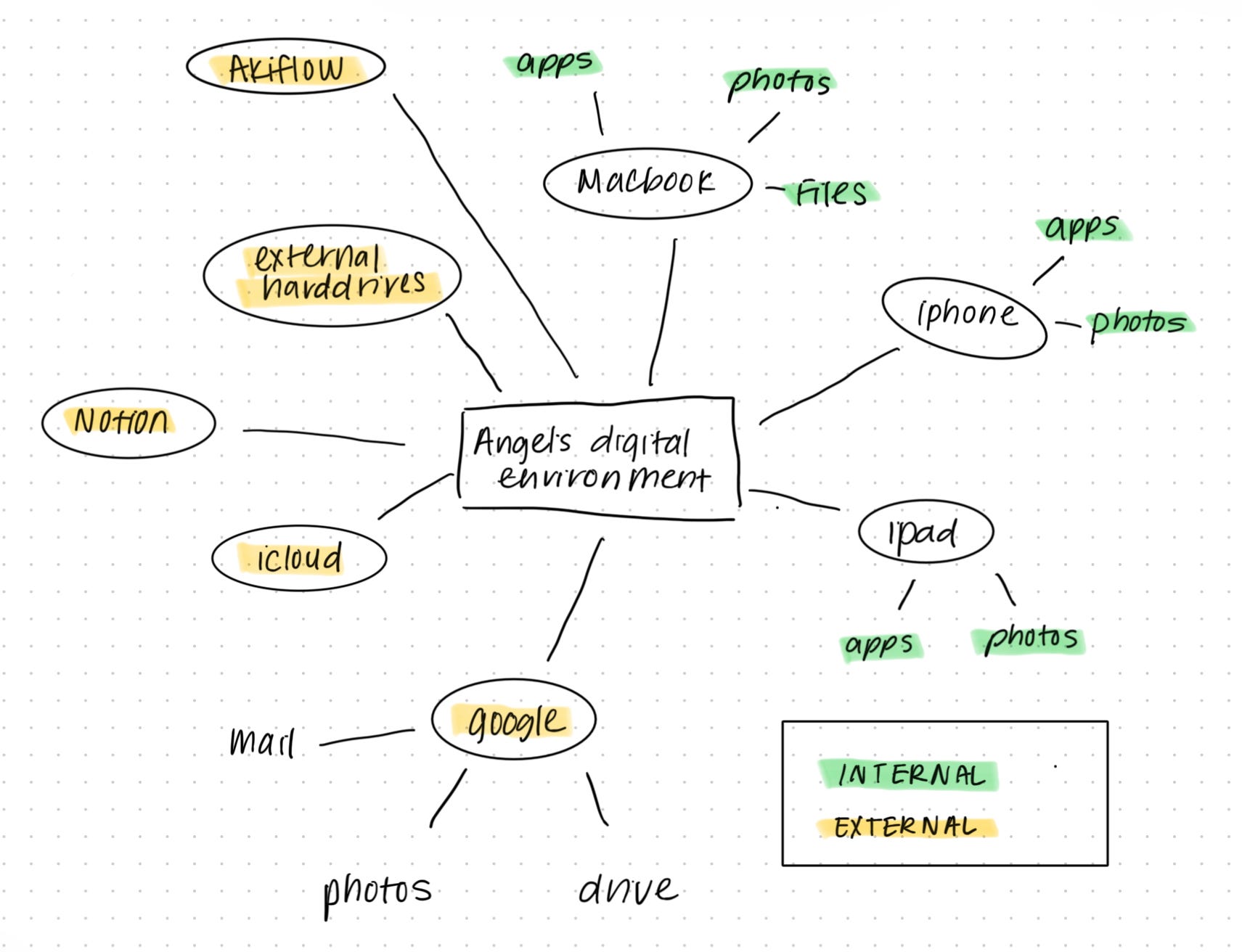
Before we dive into the decluttering and organizing, it’s important to map out what your digital environment actually looks like. I typically sort mine by device and then by Internal and External files systems and files.
I personally have 3 devices
Macbook
iPhone
iPad
Each of which have their own apps and photos and files to sort through.
Then “externally” I have hard drives, iCloud storage, Google storage (which includes Google Photos, Gmail, and Google Drive), as well as apps like Notion and Akiflow which hold files and entries as well. I also use Obsidian as a knowledge database but I cleaned that out recently so it’s been excluded here.
How to tackle the decluttering
While yes, you can just dive right in and start mass-deleting stuff to clear out memory, I do like to try to be a little strategic about how I declutter. I want to cull with organization in mind. It’s easy to go in and just hit ctrl + alt + dlt but if I can create a system to hold on to some memories digitally, why wouldn’t I?
Personally I like to start externally and then move internally. This is because when I get to the files and photos that live locally on my devices, there are going to be things I want to archive into either a cloud storage system or my external hard drive. Before I start moving things over, I want to make sure that those systems are well categorized so that I know exactly where things should go.
Part of the perks of being a paid subscriber is that you get expanded versions of certain articles! Below the paywall, you’ll find:
My digital file naming and organization system
Tools I use to maintain my digital environment
How to keep your digital environment organized throughout the year + a checklist
One bonus category we should all go through
